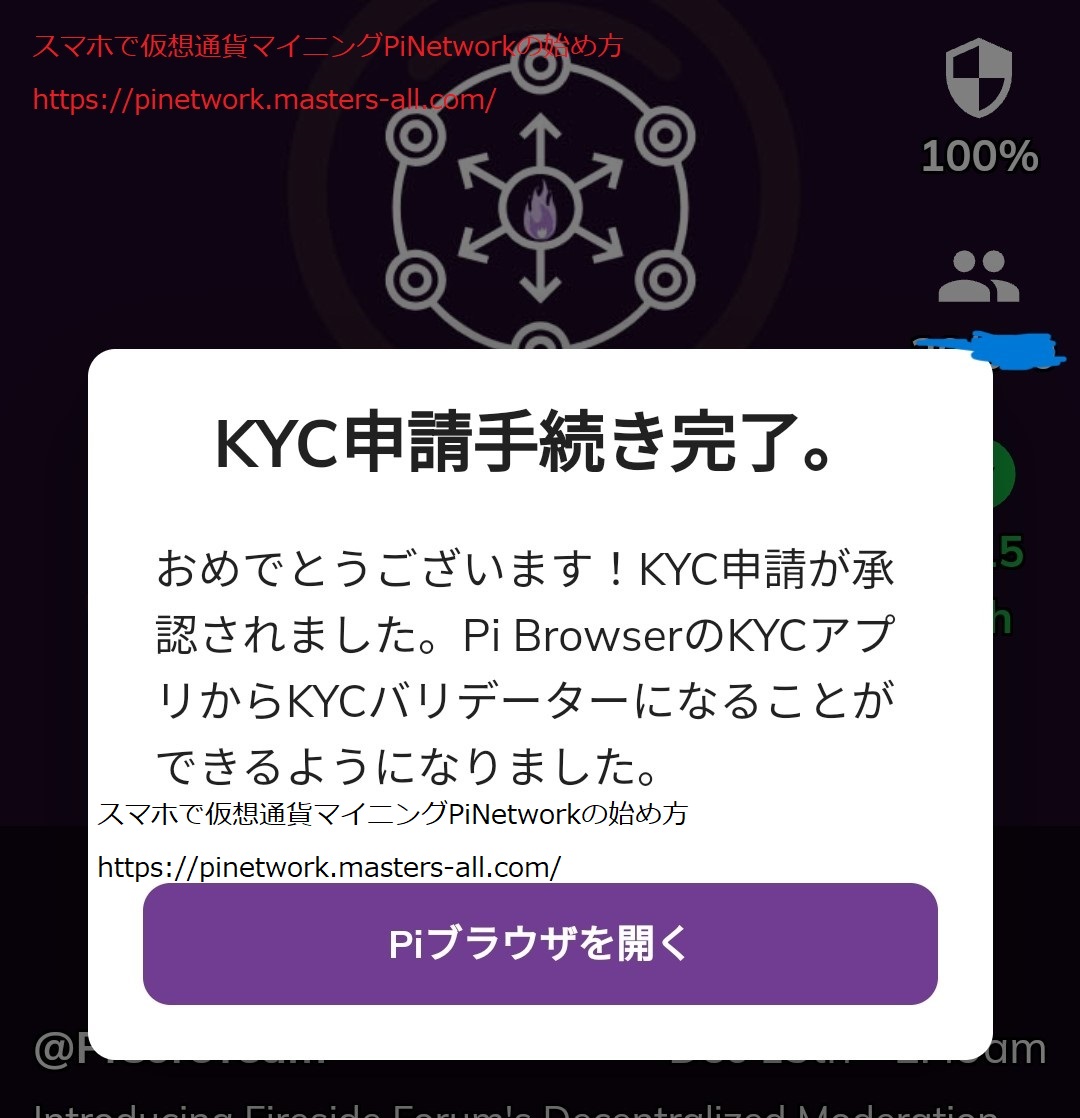
In the Pi Network, there is a function called Validation, which verifies KYC (Know Your Customer) applications. It’s a waste to just do the daily mining process and occasionally look at the chat screen after finally passing KYC. This article will provide detailed information on Validation, which you can participate in after passing KYC, including how to participate and tips for reviewing. Here is a chance to earn cryptocurrency while doing something else.
What is Validation?
Validation is the process of verifying KYC (Know Your Customer) applications. Validation handles the KYC processing for 50 million participants and contributes to the operation of the Pi Network. To participate in this, you must meet the following conditions:
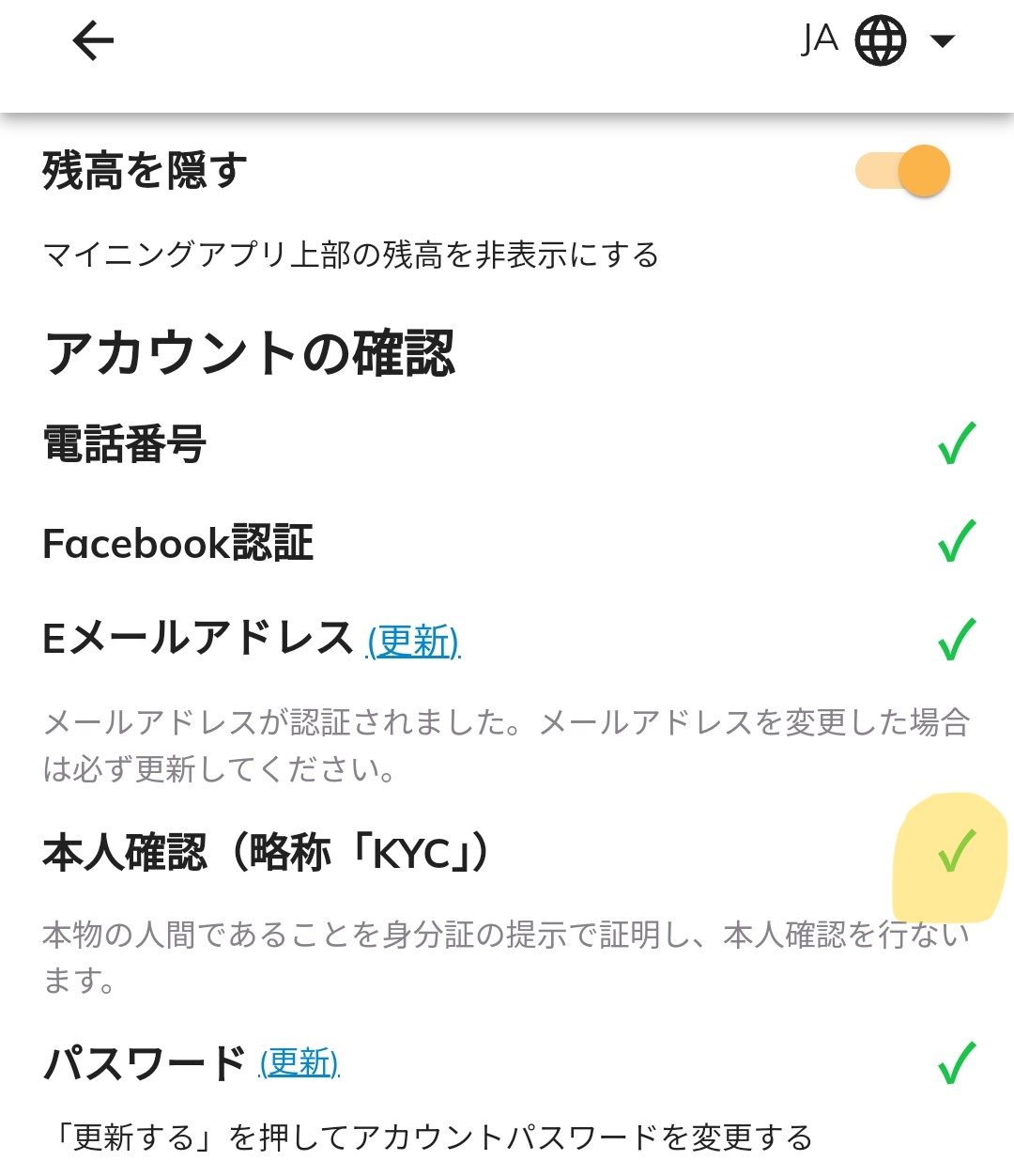
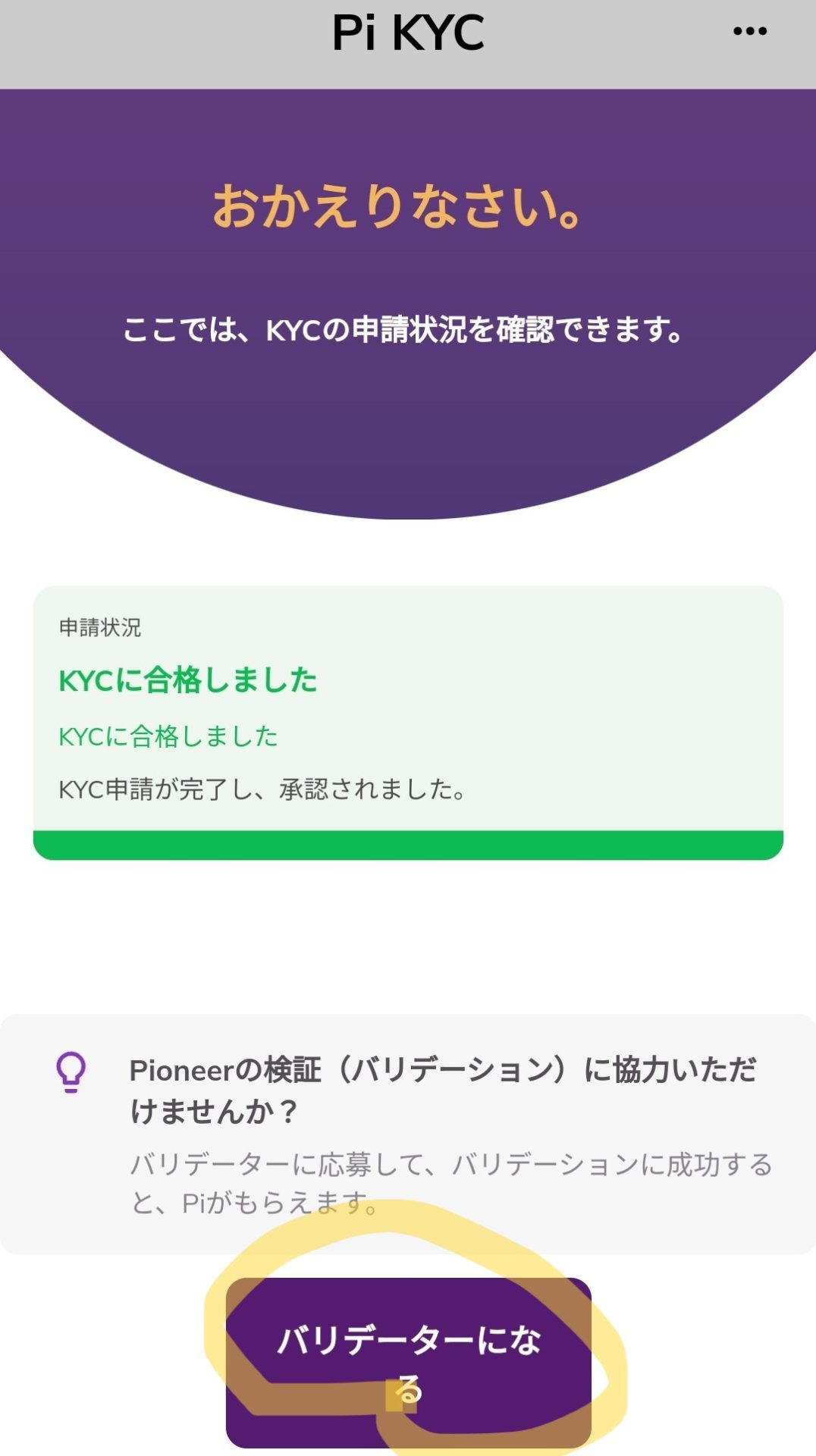
- Completion and approval of KYC submission/application
- Select kyc.pi from the Pi Browser and tap ‘Become a Validator’
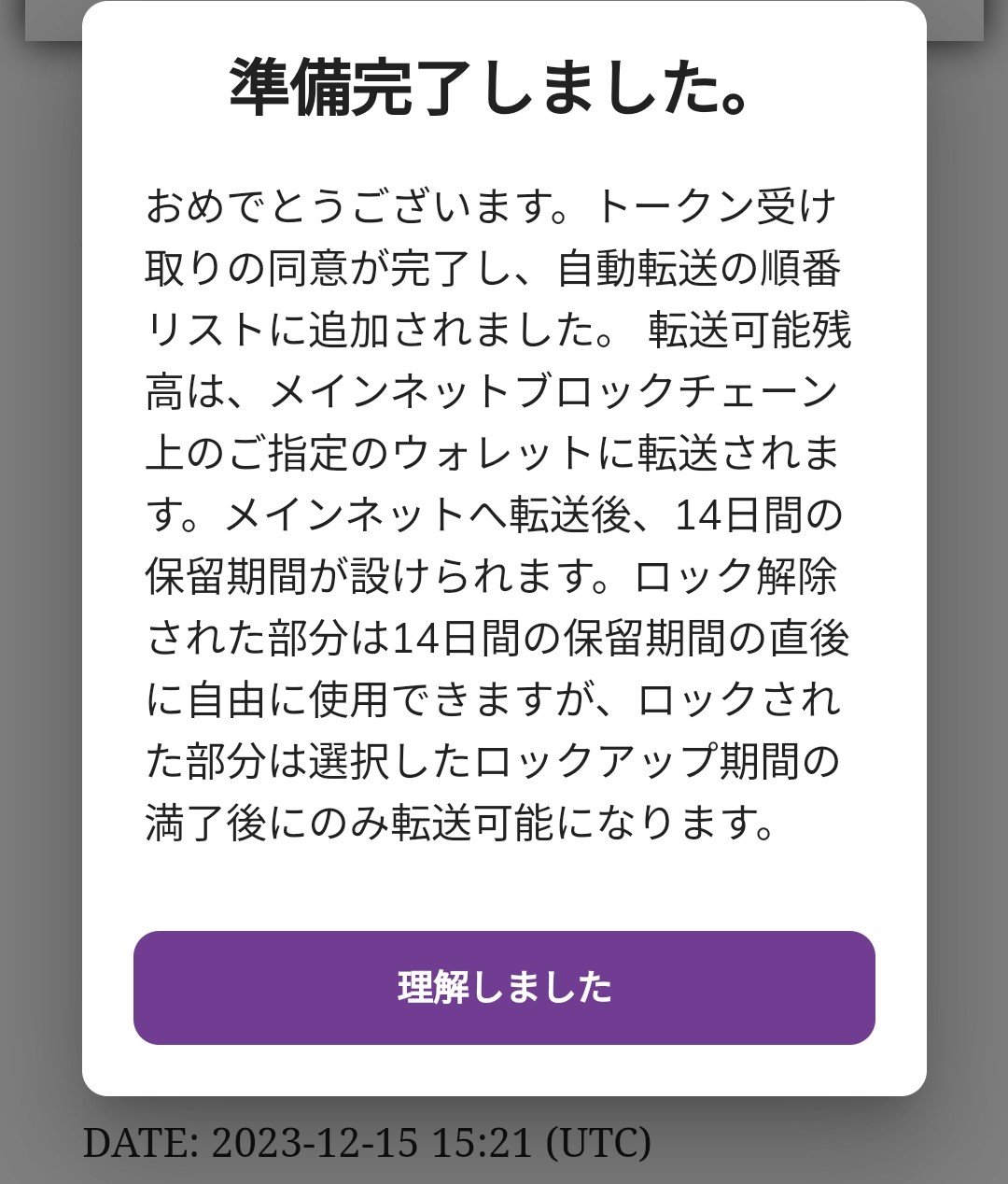
- Agree to the notes and terms, and perform simple validator practice
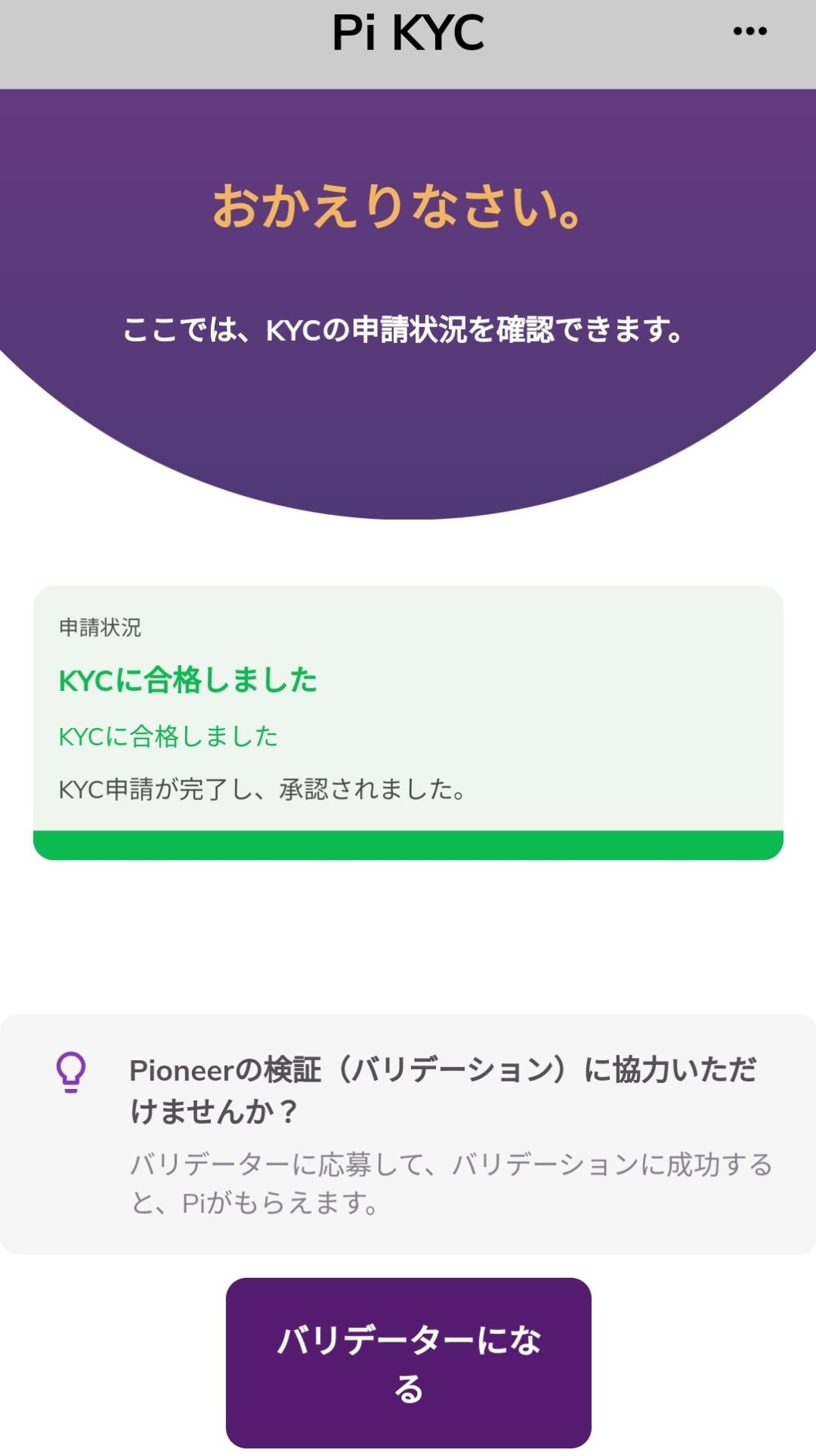
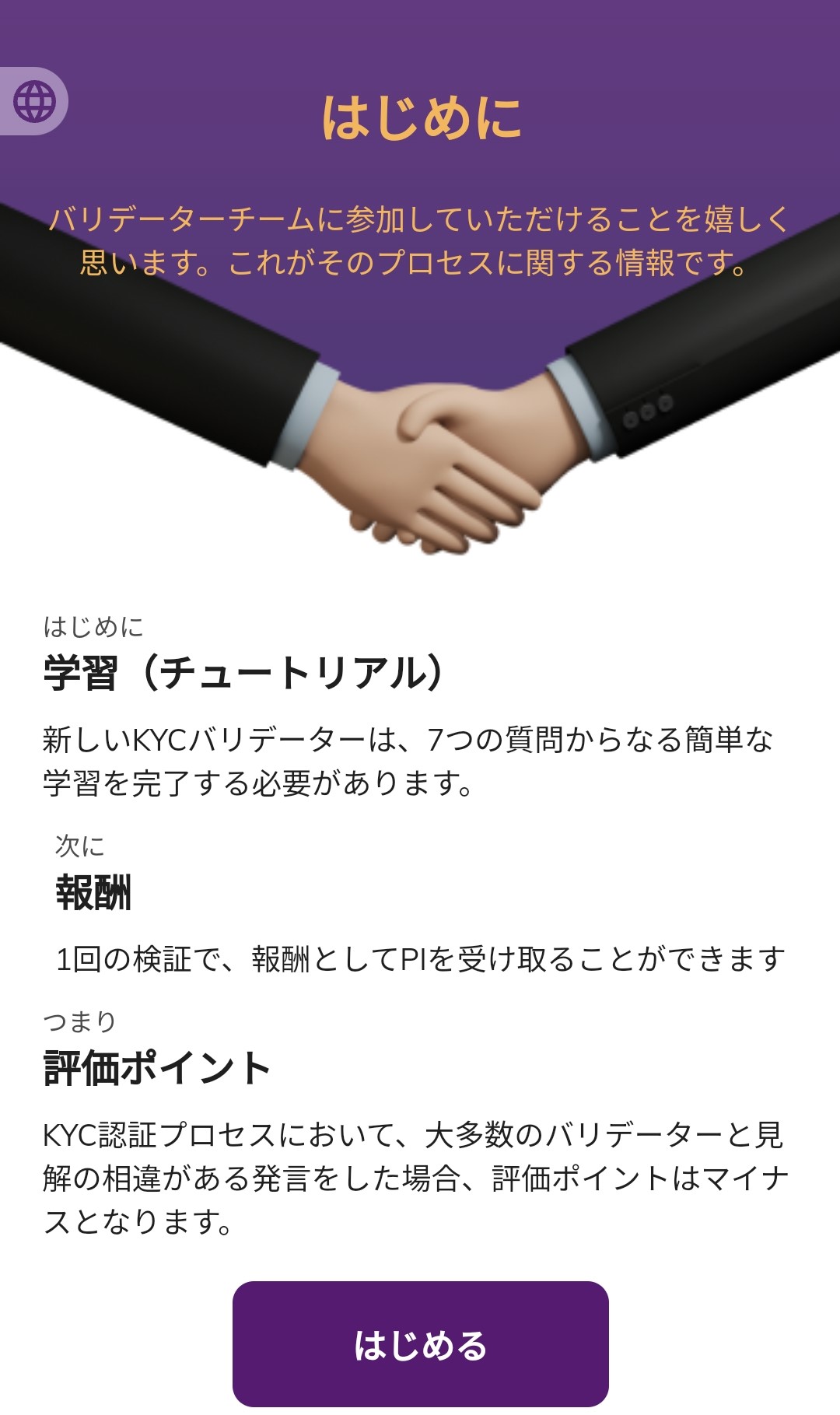
When you open the KYC screen, a button to become a validator will appear.
Then the screen below will be displayed.
There are the following three types of validation reviews:
- Identity document matching check
- Face photo matching check
- Check if the person in the video is a real human
Each check can be easily done by simply selecting Yes or No. However, please note the following:
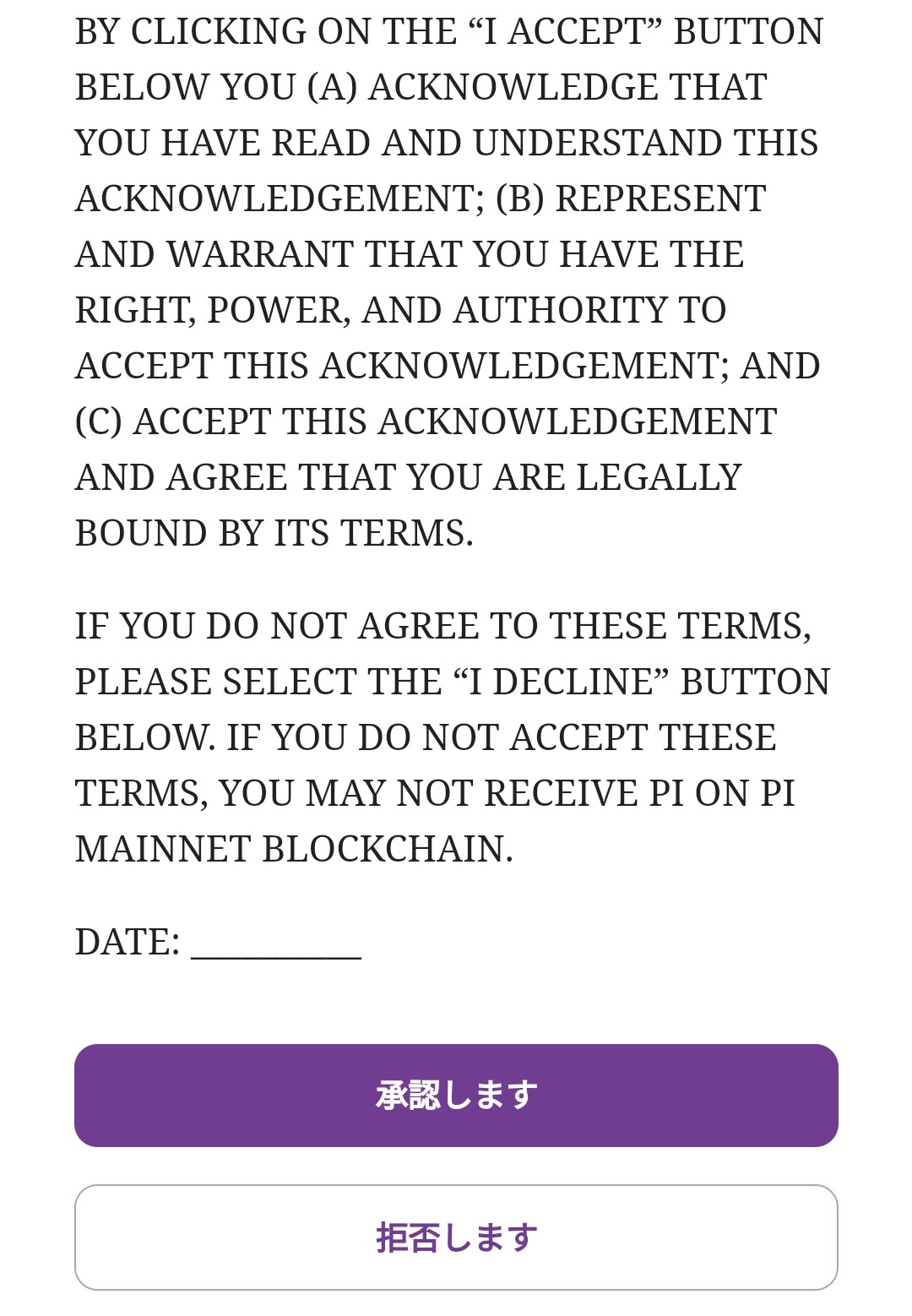
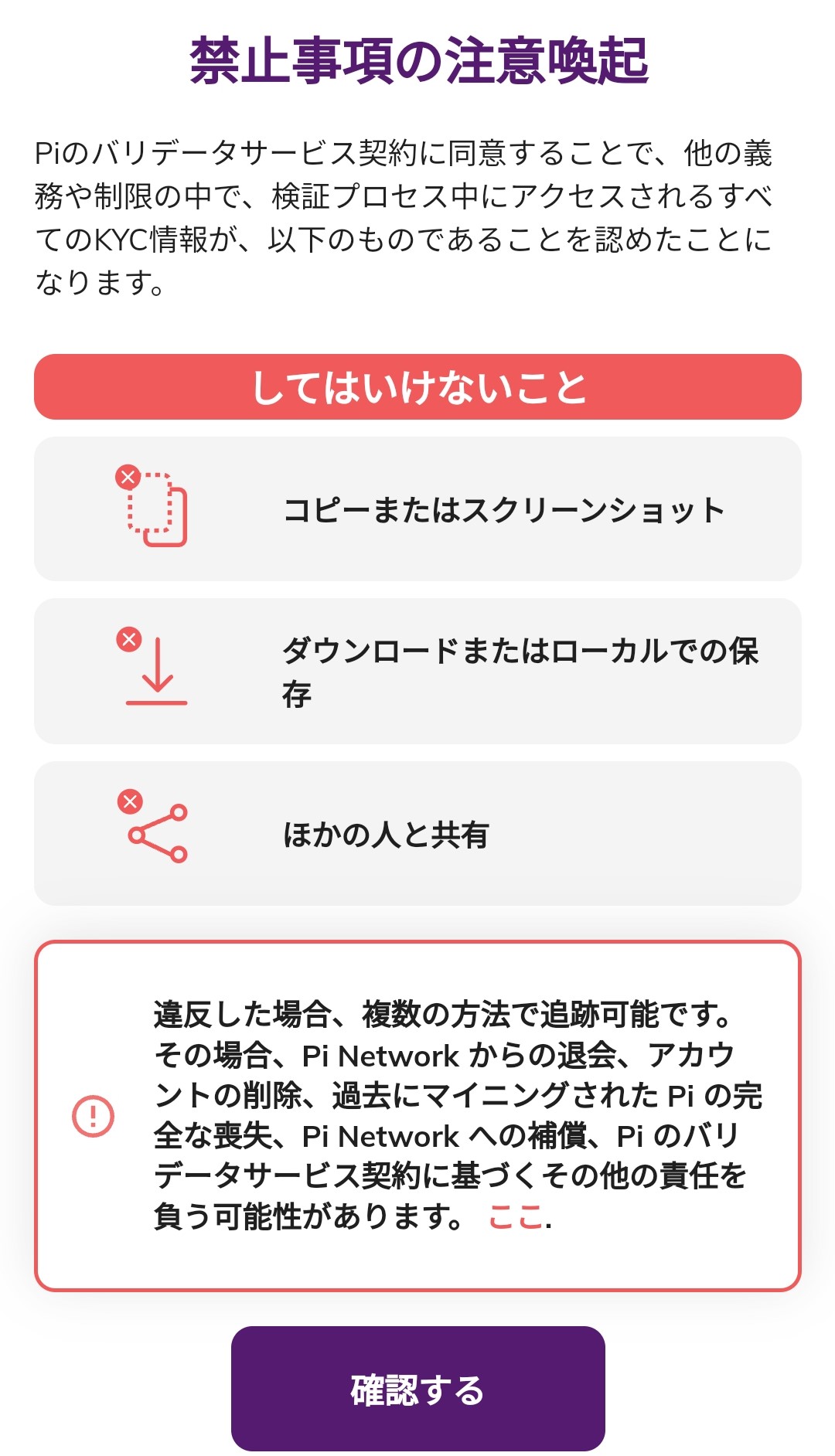
- Since you will obtain other people’s personal information, copying/screenshotting the screen, downloading or saving locally, and sharing with others are strictly prohibited. If you violate this, you may be held responsible, such as account deletion or loss of Pi. (This is an agreement when starting as a validator)
- It seems that the application does not pass or fail based on your verification alone, but is officially completed when crowdsourced workers who have confirmed the same result verify the remaining KYC application steps. If you make a mistake in verification, you can correct it later. Conversely, if your verification is not the same as the result approved by others, it will not be considered correct.
Validation Rewards
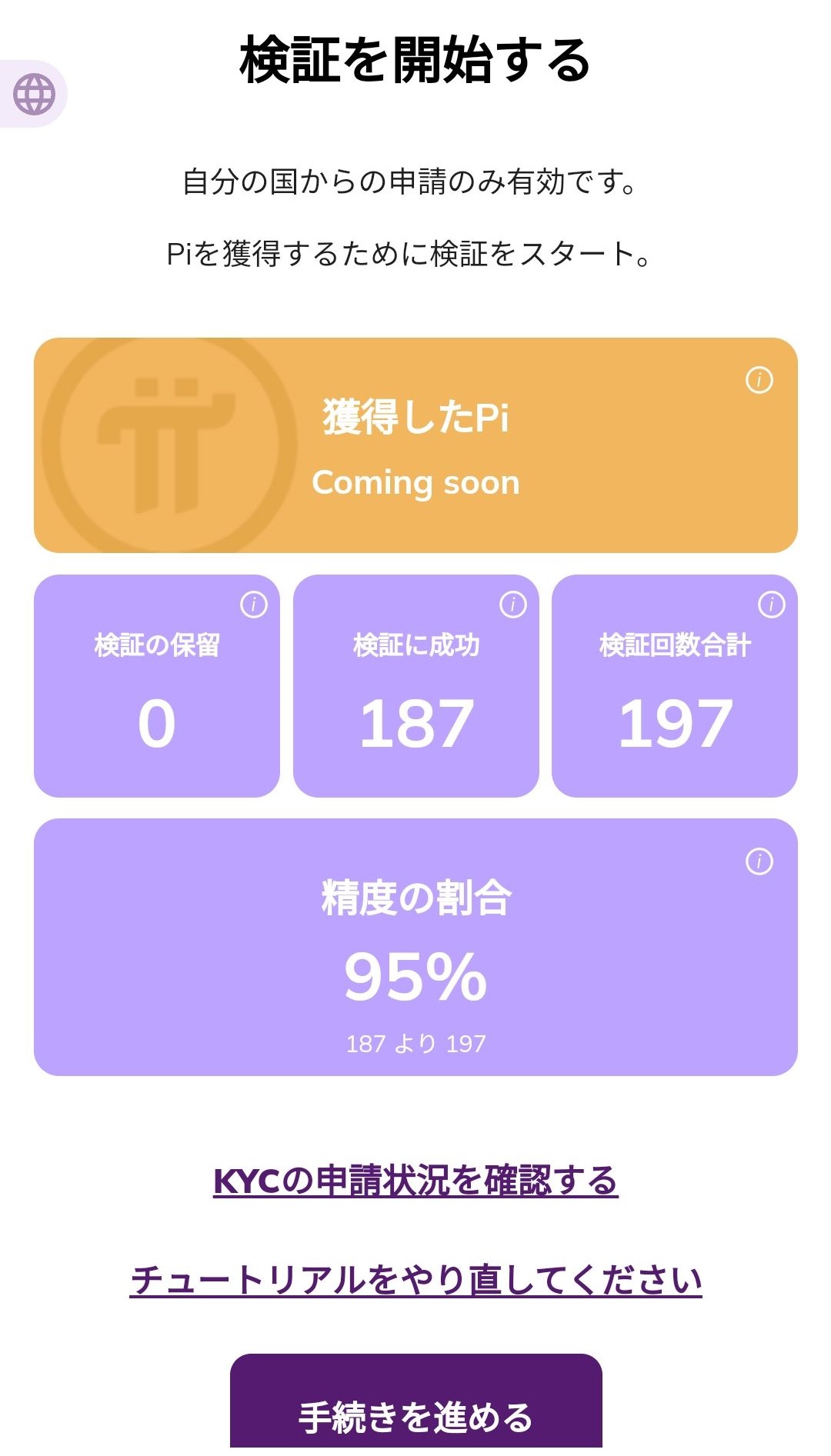
Regarding validation rewards, they are currently undecided, but the validation page says ‘Pi Earned Coming soon’. It is expected that you will be able to receive Pi after successful verification in the future.
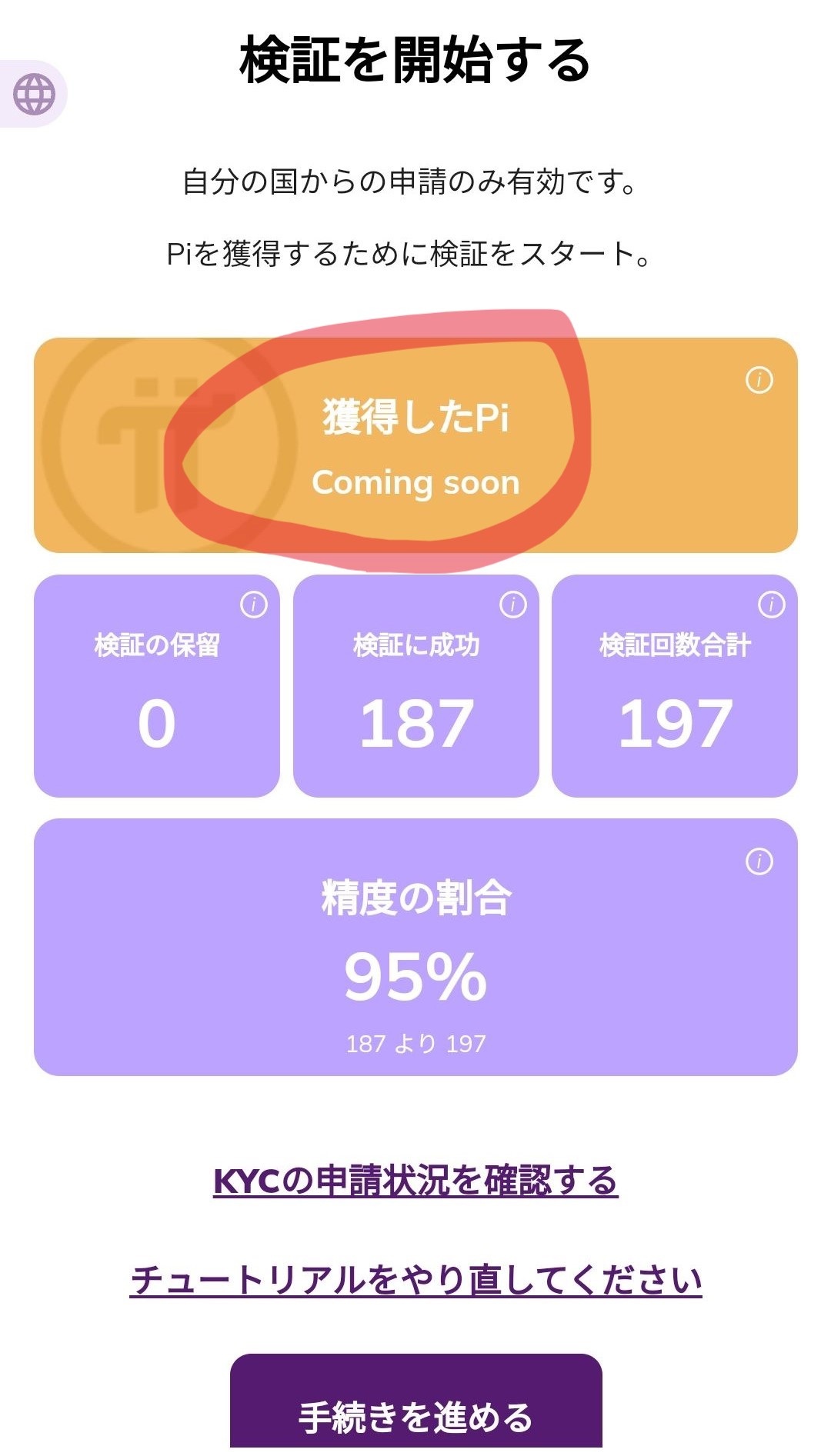
Regarding validator rewards, this is my prediction, but I think it will be around 0.1 Pi per verification at most. When applying for KYC, you pay 1 Pi, but since the review items are broken down into three types and further pass through the approval process of multiple people, I don’t think you will receive 1 Pi for a single review. Assuming that the review items are divided into three equal parts and involve multiple people, meaning approval processing is done by three or more (considering at least three are needed for a majority decision) crowdsourced workers, I think the maximum for one approval will be around 0.1 Pi. Also, the reward amount might change depending on the review items and accuracy. Sorry if my prediction is wrong. Since the processing is done in the Pi Browser, the node bonus will increase. Even if you don’t get validator requests, you get some reward just by waiting, which is nice.
Application Content That Makes Validation Decisions Difficult
Examples of application content that may make validation decisions difficult include the following:
- Cases where the identity document is blurry or partially cut off (There are applications where part of the face is cut off or one side of the screen is completely dark. If the application document is old and only the hairstyle or hair color has changed compared to the current photo, I considered it OK.)
- Cases where the face photo is dark, the angle is strange, or the face is hidden by a hat or mask, etc.
- Cases where the person’s video is short or the movement is unnatural (Sometimes it’s a video recording of a smartphone screen, or it shows a completely unrelated landscape.)
- Mismatch between application document and application type (Sometimes they apply with a driver’s license but select a health insurance card. I considered applying with a My Number Card as a health insurance card to be OK. This will not be treated as NG.)
In these cases, it’s not possible to say definitively, but it is generally appropriate to answer ‘No’. However, there are cases where you might get a misjudgment even if you mark something you are absolutely sure is OK as OK. There are parts of that which are not convincing, but it can’t be helped. If you absolutely cannot make a judgment, you can select ‘Unknown’.
However, if you are unsure about a judgment, please refer to the following:
- The criterion for validation is to confirm that the applicant is the person they claim to be. Therefore, if there are deficiencies in the documents, photos, or videos, it is considered that the person cannot be verified.
- The result of validation is not determined by your judgment alone. It is finally decided by comparing it with the results of other validators who have verified the same application content. Therefore, if you are not confident, please answer based on your own judgment.
Methods to Improve Validation Efficiency
To improve validation efficiency, the following are effective:
- Launch the Pi Browser and extend the screen off function or prevent it from turning off. Respond immediately when a review request comes in.
- Understand the validation criteria and make accurate judgments
- Increase your review accuracy. It is said that if your review accuracy is high, you will receive more application requests.
- Moving to the dashboard → Repeating the process of proceeding with the procedure may result in review requests. The screen is automatically updated even if you leave it on the waiting screen, but it feels like there is a high possibility of receiving a review request when performing this operation.
Time Zones When Validation Requests Are Frequent and Tips for Review
It is not possible to say definitively when validation requests are frequent, but the following may have an impact:
- The time zone may vary depending on the country or region of the KYC applicant. For example, if there are many applicants from the United States or Europe, requests may be frequent from late night to early morning Japan time.
- The frequency of requests may change depending on the number of KYC applicants. For example, if the number of new users increases due to Pi Network promotions or campaigns, requests may increase.
- The distribution of requests may change depending on the number and activity status of validators. For example, if there are few validators or they are inactive, requests may be concentrated.
- There are changes in the processing system. Many people have not yet passed the application. I think a large number of requests will come in if the system is improved and applications are immediately routed to validators for processing.
Summary
When review requests come in continuously, it’s enjoyable to process them, but my impression is that they often don’t come in continuously. I repeat the process of processing one, waiting a bit, and then waiting a bit more for the next request. (This might be because my verification rate is low.) I think it’s suitable for doing validator work while doing something else. Waiting this much can get boring. Be careful when working outside as reviewing videos consumes packet data.