On December 15, 2023, the administrator’s account finally passed (was approved for) the KYC review, so I am writing this article. Around October last year, I received a notification that KYC review was possible, submitted the necessary items for review on the same day, and approximately 1 year and 2 months have passed. When I pressed the mining button, which is my daily routine, a notification suddenly appeared stating that the KYC application process was complete. I was surprised by the suddenness.
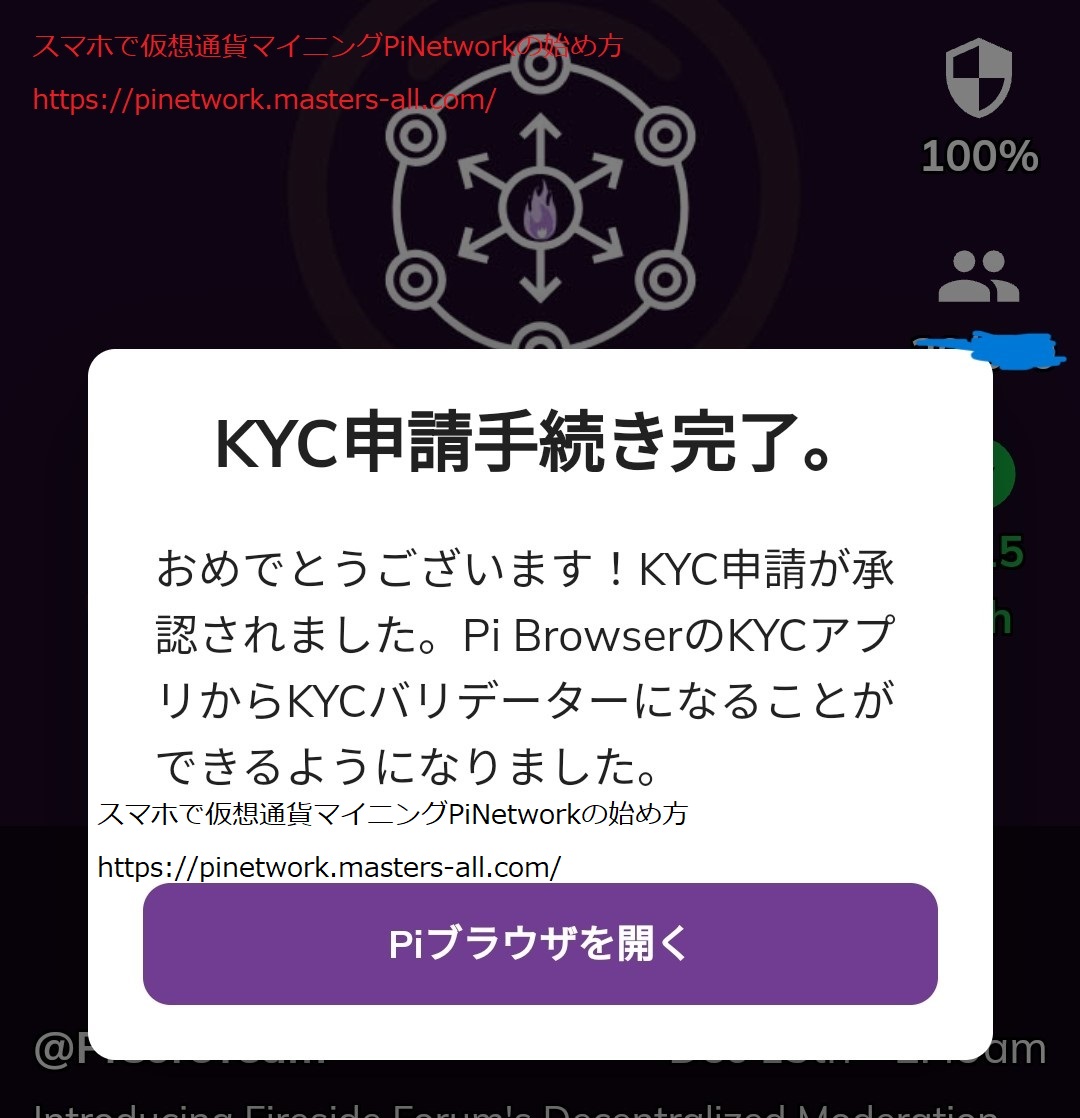
When I opened the Pi Browser, the application status changed from the screen that was always under review to “KYC Approved. KYC application is complete and approved.”
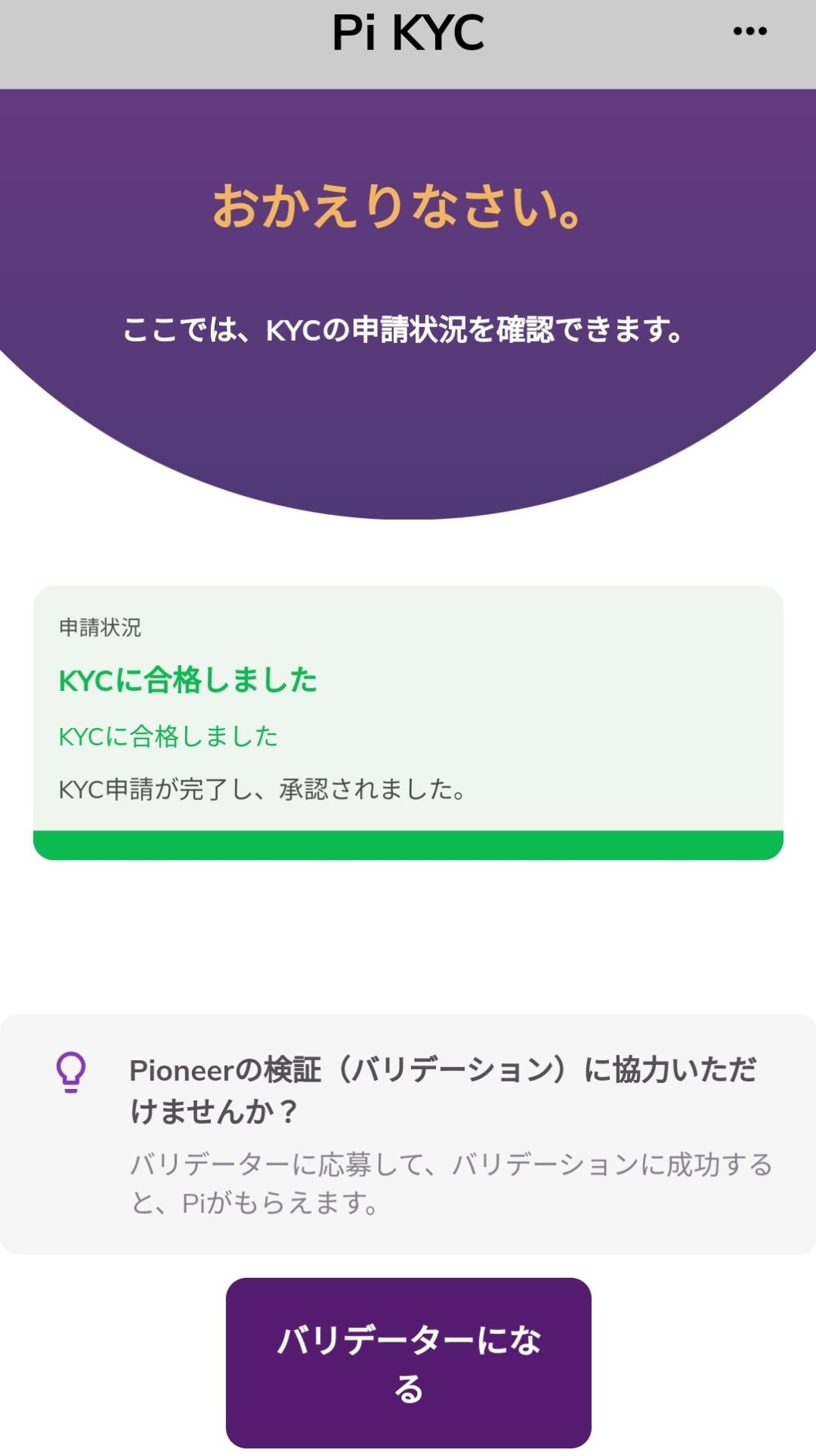
・Application Status at the Time of Application
Application Period: Around October 2022
Submitted Document: Driver’s License
The driver’s license expired after submission.
Also, I moved, so the address is still old.
・For an overview of KYC, please see this article.
https://pinetwork.masters-all.com/pinetwork-kyc%ef%bc%88%e6%9c%ac%e4%ba%ba%e7%a2%e8%aa%8d%ef%bc%89%e3%81%ae%e6%96%b9%e6%b3%95%e3%81%ab%e3%81%a4%e3%81%84%e3%81%a6/
It seems that the KYC requirements have changed, and applications cannot be made unless mining is performed a specified number of times. There are rumors that applying with a passport makes it easier to pass, but there are also people who have been waiting for a long time with a passport, so I don’t think it’s necessary to get a passport just for KYC.
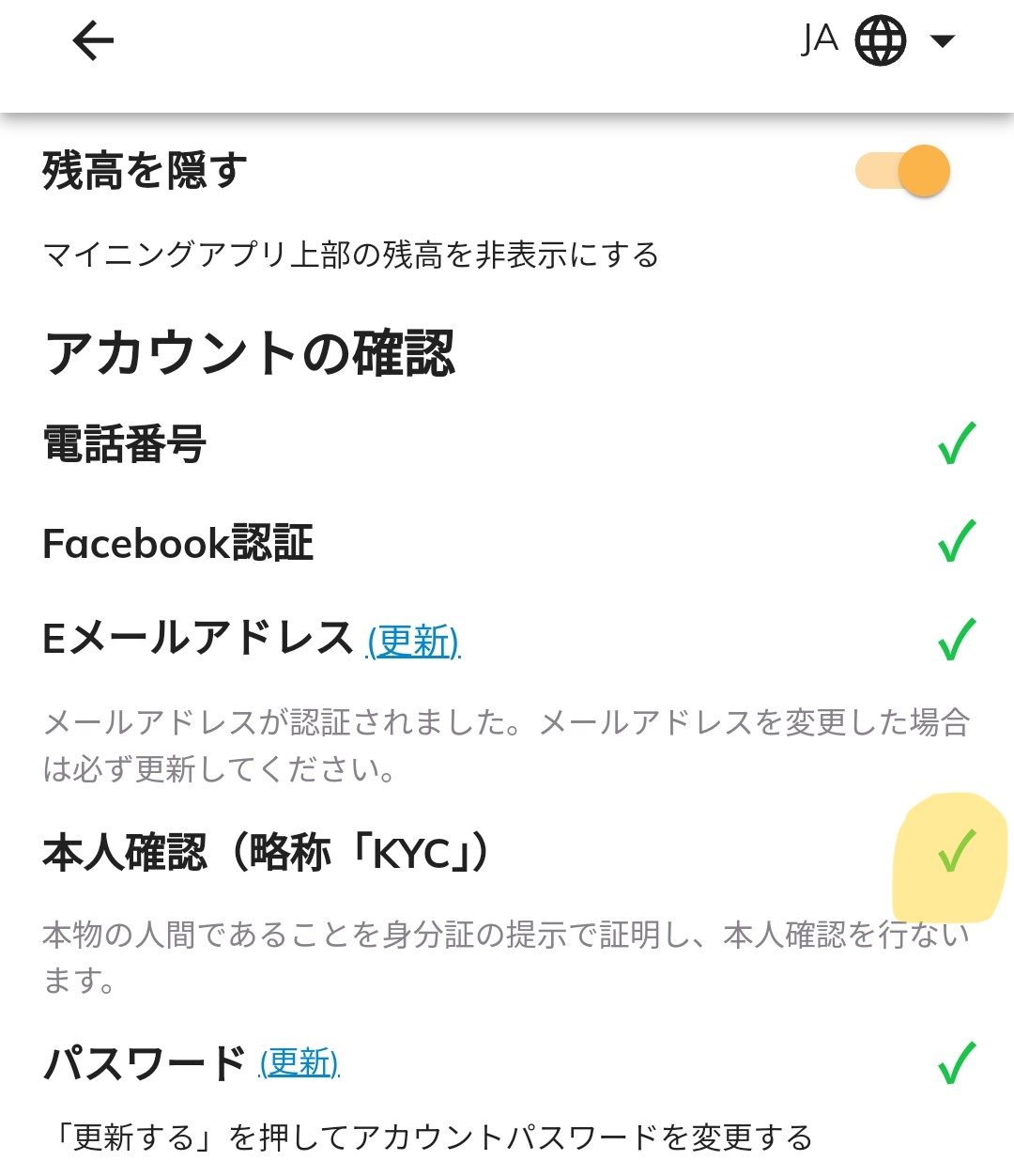
Identity verification (abbreviated as “KYC”) on the profile screen of the main app also has a checkmark.
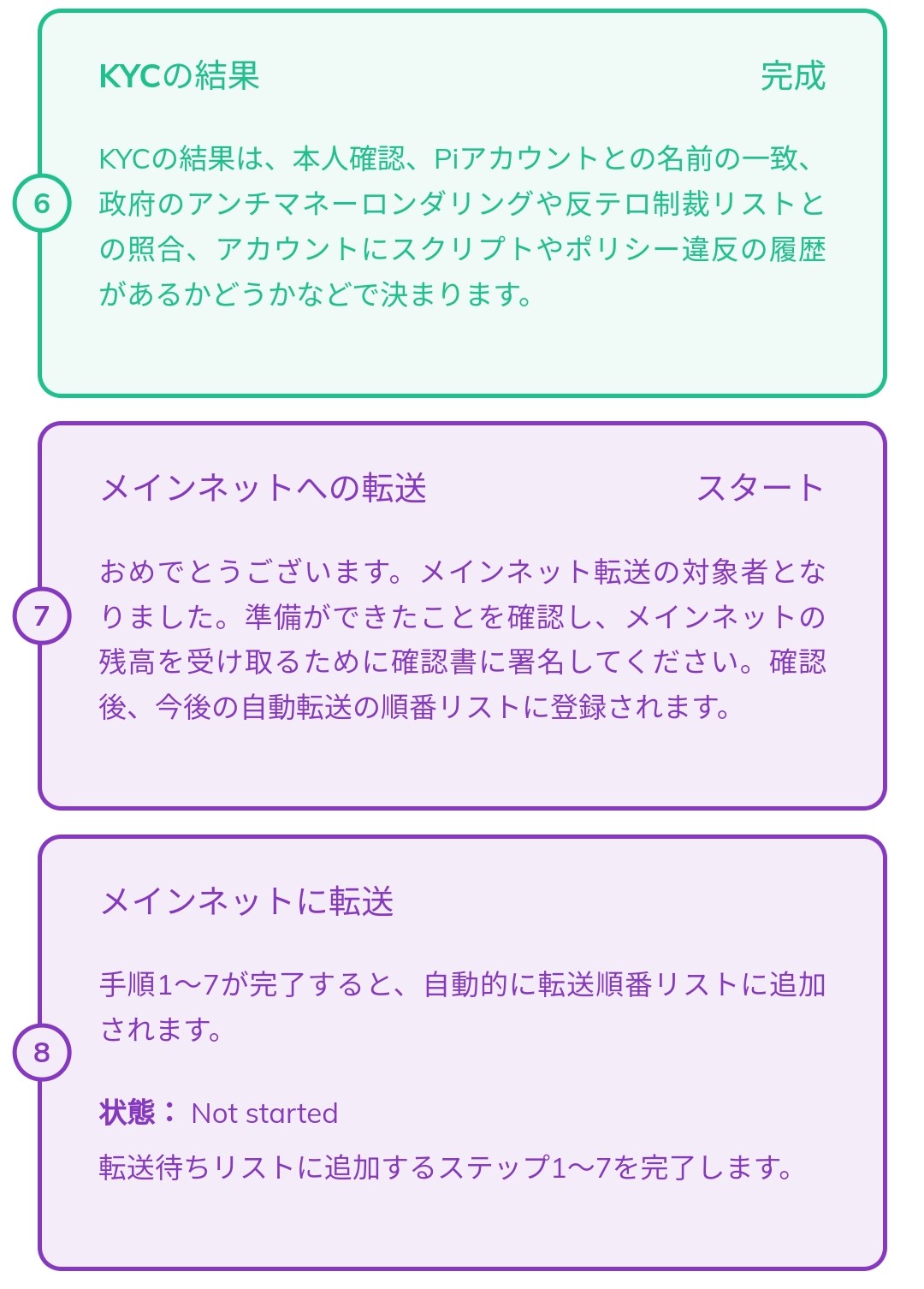
Actions to Take After Completing KYC (Complete Mainnet Checklist 7)
You must not leave it as is after passing KYC. You need to complete the Mainnet Checklist to the end. If you don’t do this, currency will never enter your main wallet. Checklist 7 involves linking your wallet and account.
Step ① Confirm Wallet Address
Check if you can access your wallet. If the wallet has been left unused for a long time, you may have lost your password phrase and be unable to access it. In the current state, you can re-issue the password phrase even if you lose it, so as a final check, try to see if you can open your wallet address. If there are no problems, proceed to Step ②. If you proceed with the re-issuance procedure, you will never be able to open it again, so be sure to keep your passphrase recorded.
Step ② Process (Sign) the Mainnet Checklist.
Launch the Pinetwork app → Three lines in the upper left → Mainnet → Go to Mainnet Checklist.
The screen will switch, and you will move to a page with a signature field containing a lot of English text. Read through the content and tap the approval button at the bottom of the page to complete the signature.
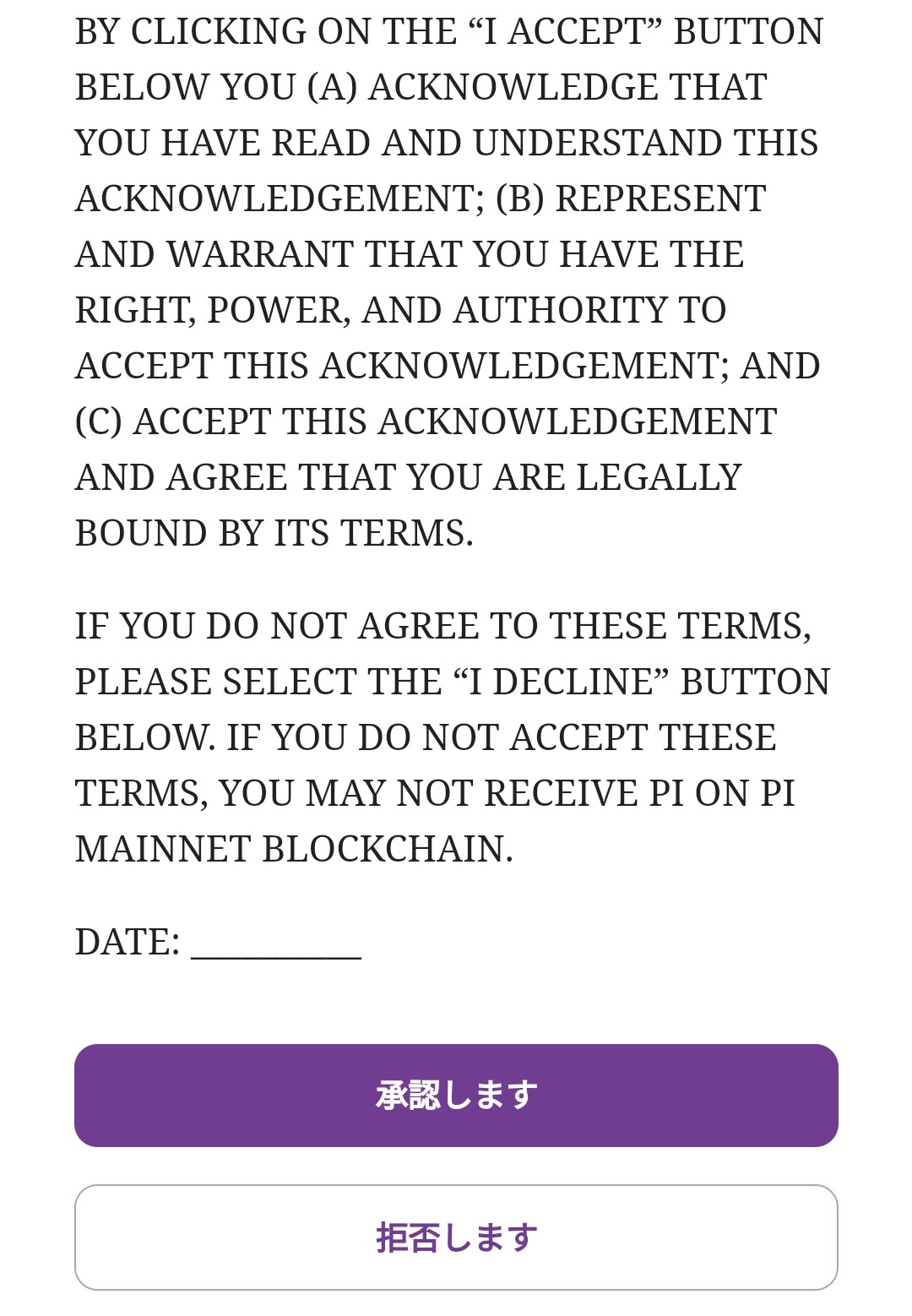
This “Confirmation of Receipt of Pi Tokens” explains the terms and conditions for receiving Pi tokens. The main points are summarized below:
- Use of Tokens: Tokens are intended for use in your own account. They are not intended for resale or speculation. Also, tokens do not represent a right to financial rewards or profits.
- Prohibited Participants: Individuals or entities listed on certain sanctions lists are prohibited from receiving tokens.
- Transfer Restrictions: Although tokens are not intended to be securities, if they are deemed to be securities, resale restrictions and other requirements may be imposed.
- Recipient Sophistication and Access to Information: The recipient understands the risks and implications of acquiring tokens and makes the decision to acquire tokens with sufficient information.
- Compliance with Laws: The recipient will comply with legal requirements related to the receipt, use, sale, or transfer of tokens.
- Taxes: The recipient is solely responsible for taxes related to the tokens.
- Release: The recipient releases Pi Community Company, SocialChain Inc., Pi Network, and others from any claims.
If you agree to these terms, click the “Agree” button. If you do not agree, select the “Reject” button. If you do not agree to these terms, you will not be able to receive Pi on the Pi Mainnet blockchain. The above is a summary of the Pi Token Receipt Confirmation. For specific details, it is recommended to consult with a professional. (The full text translated into Japanese by DEEPL is written here.)
https://pinetwork.masters-all.com/confirmation-of-receipt/
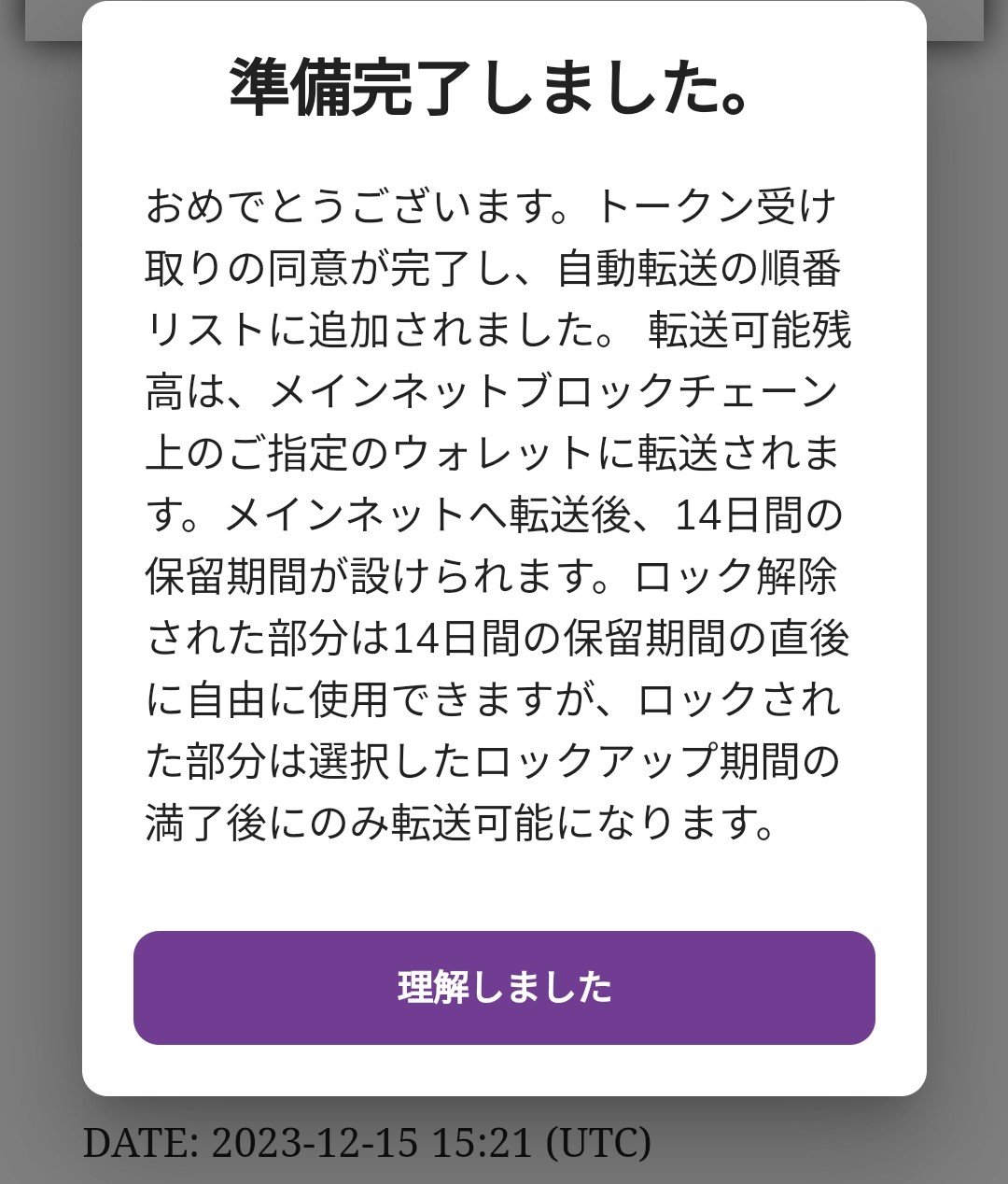
After that, you enter your wallet phrase and it is complete. It will be transferred after the holding period shown in the image below expires. However, if you have locked up, it will be released after the lock-up period expires. The lock-up starts from here. I locked up 100% for 3 years. It seems that many people on the internet have chosen 90% for 3 years. I don’t know which is correct, but I am a little worried because I made a different choice from everyone else. I am expecting to receive some bonus from referrals.
Actions to Take After Completing Mainnet Check
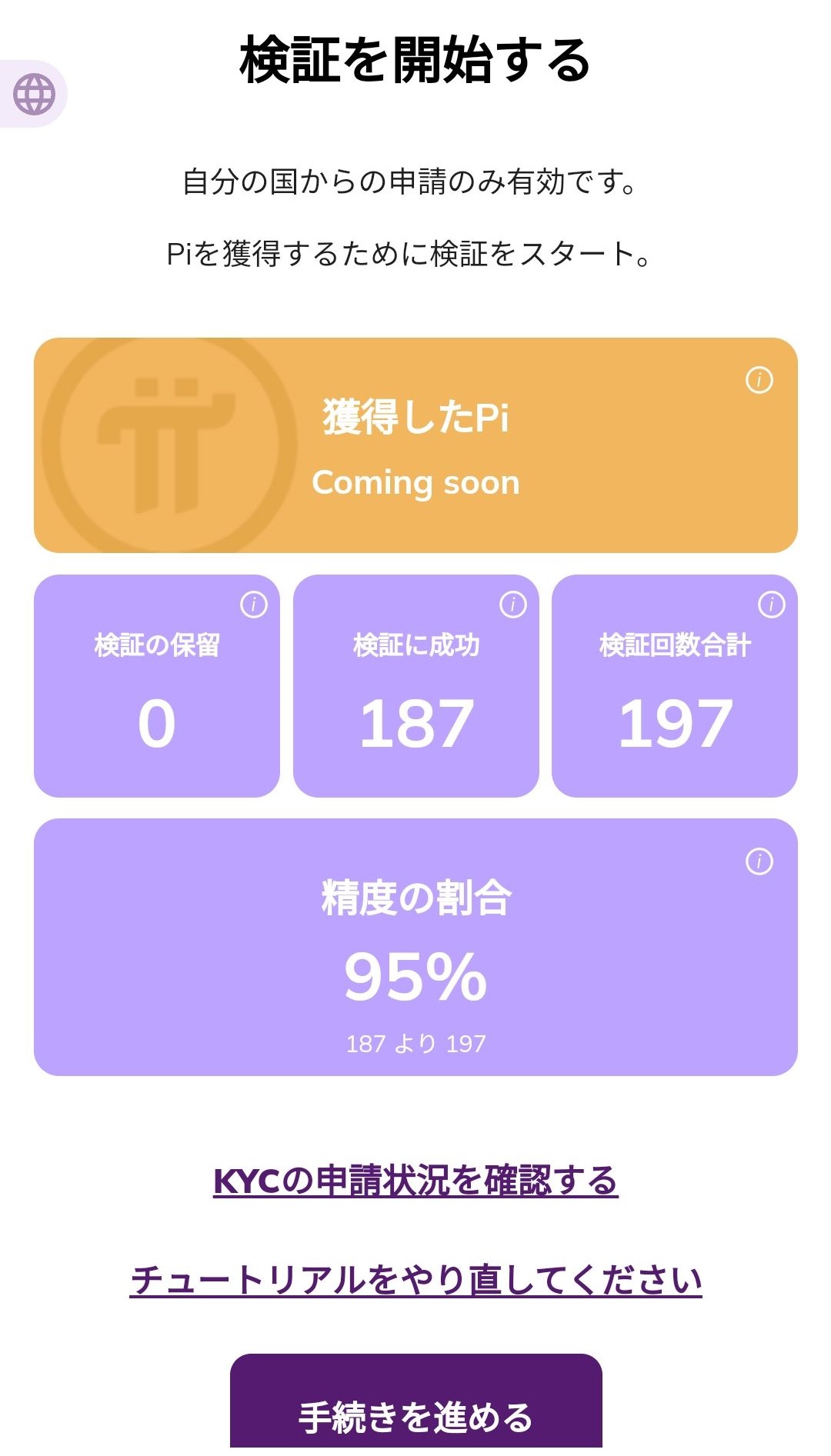
This completes the actions related to KYC. Later, once the currency is in your wallet, you can freely use it for buying and selling goods. (It is not yet listed on exchanges.) After this, the only things to do are to continue mining, post comments on FireSide, and witness the Pi Network project. If you are interested and want to help with KYC and earn Pi, I recommend participating in validation. You can receive currency by doing simple reviews. As soon as I passed KYC, I applied to participate in validation and have been doing validation processing little by little. I was able to process nearly 200 cases in two days. I will write more details in another article.
Finally
I was happy to receive many reactions when I posted about passing KYC on X. It was the first time I received so many reactions. It’s a little embarrassing that I rushed the post and made a typo. Since many users have not yet passed, I will work hard on validation so that as many people as possible can complete the mainnet check.
My KYC, which I waited for over a year, finally passed. Thank you to the validators.#pinetwork #KYC pic.twitter.com/EIgbaLTI4e
— Nao (@pinetwork_nao) December 15, 2023