Pi Network is a cryptocurrency project that can be mined with a smartphone. The goal of Pi Network is to build an open, democratic, and decentralized network. To achieve this, Pi Network is creating an ecosystem where users and developers can participate.
The ecosystem includes apps and services provided by the Pi Network core team (such as KYC and Pi Wallet), as well as apps and websites created by the community. The ecosystem contains apps and websites across various categories and rankings. For example, games, education, shopping, news, and more.
The main tool for accessing the ecosystem is the Pi Browser. The Pi Browser allows you to browse websites on the internet, just like a regular web browser. However, the Pi Browser has a user interface (UI) that indicates the trustworthiness and safety of apps and websites within the ecosystem.
Recently, the Pi Network development team improved the Pi Browser’s UI. The new UI more clearly displays the type and status of apps and websites within the ecosystem, enhancing the user experience. Specifically, the following changes have been made:
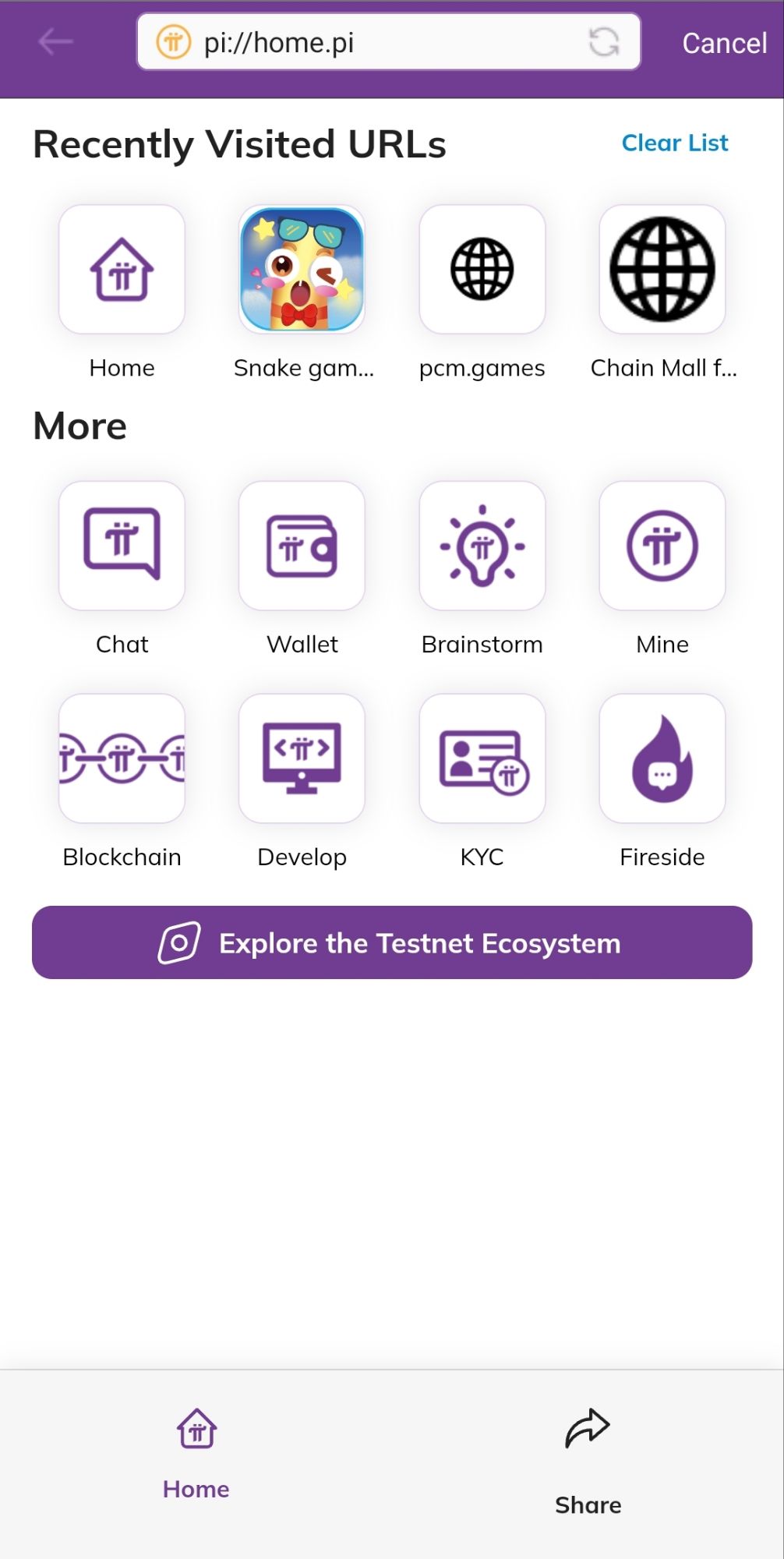
- The browser’s URL bar displays an icon indicating the type of app or website the current page is. For example, core team apps have a star icon, ecosystem-listed apps have a checkmark icon, verified apps have a shield icon, unverified apps have a warning icon, and websites unrelated to Pi have a globe icon. Tapping these icons displays a detailed explanation.
- The browser interface includes dashboards and navigation pages that display categories and rankings of apps and websites within the ecosystem. These pages display the name, icon, description, reviews, and ratings of apps and websites. You can also use the search box and filter function to find the desired app or website.
Using these methods, you can check the ecosystem and listed apps in the Pi Browser. The ecosystem and listed apps contribute to Pi Network’s goal of an open network. However, the ecosystem and listed apps are created by developers and organizations separate from the core team and Pi Network. Therefore, users need to judge for themselves whether they are trustworthy. The Pi Browser’s UI provides information to help with that judgment, but the final responsibility lies with the user.
I hope this article helps you understand the Pi Browser’s UI. If you would like to know more, please write in the comment section.